
Pi
Open-source, MIT-licensed terminal coding agent from Earendil Inc.. No listed price; bring your own model provider.
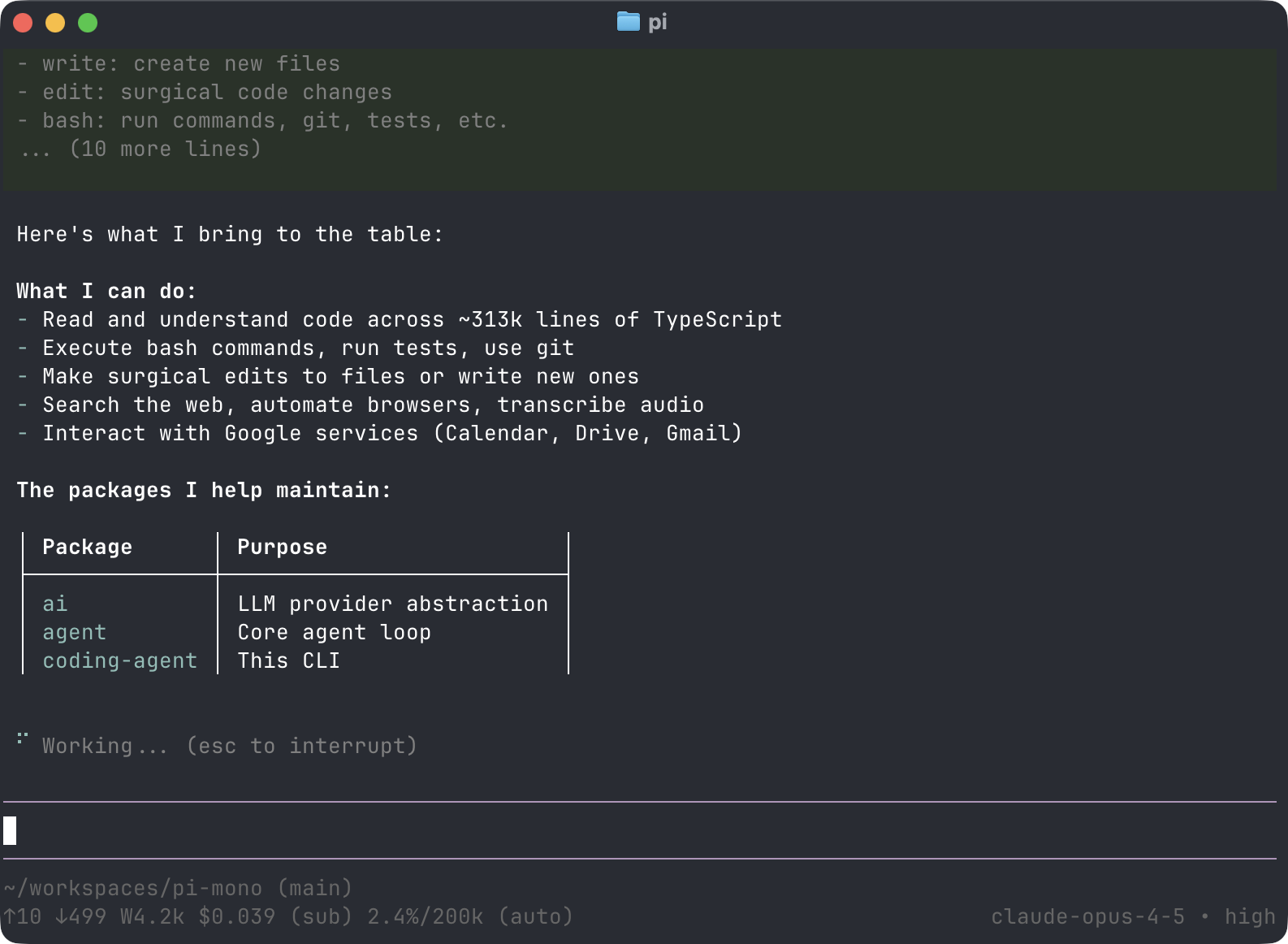 Pi
Product images: Pi
About
Pi is an open-source terminal coding agent from Earendil Inc.. Its homepage calls it "a terminal-based coding agent" and says "there are many agent harnesses, but this one is yours". It is MIT licensed and connects to the providers you choose through API keys or OAuth. The homepage announces Pi 1.0 and Pi Durable. As of November 2026 the project states no pricing, and you pay only your own model providers. It belongs with the agent tools on our best AI coding assistant page and our AI coding assistants collection. What Pi does • Minimal by design: the README calls Pi a minimal, extensible agent harness. It ships with defaults but, per the site, deliberately omits sub-agents, permission popups, plan mode, built-in to-dos and background bash, which the page says can be added through extensions or tmux. • Extensible: extensions, skills, prompt templates and themes can be bundled as Pi packages and shared through npm or git. • Four modes: interactive terminal UI, print or JSON mode (pi -p), RPC over stdin and stdout, and an SDK for embedding. • Session history as trees: navigate with /tree, export with /export and share with /share, which creates a GitHub gist URL. • Context management: AGENTS.md and SYSTEM.md files, auto-compaction, on-demand skills and named prompt templates. • Steering: Enter sends a steering message and Alt+Enter sends a follow-up. • Model switching: change model mid-session with /model or Ctrl+L, and cycle favorites with Ctrl+P. • MCP and Codemode: built-in MCP support, plus Codemode for composing tool calls in a JavaScript sandbox. • Providers: the homepage names Anthropic, OpenAI, Google, Azure, Bedrock, Mistral, Groq, Cerebras, xAI, Hugging Face, Kimi For Coding, MiniMax, NVIDIA, OpenRouter and Ollama, and says more. Custom providers can be added through models.json or extensions. Inside Pi, /login connects a subscription or API key. • Libraries: the repository includes a unified LLM API package and a terminal UI library. • Install: a curl script for macOS and Linux, a PowerShell script for Windows, npm, pnpm, bun, or Nix. The npm route needs Node.js 22.19 or newer. The Nix package supports ARM64 and x86-64 on Linux and macOS. Pricing (as of November 2026) • Pi: no listed price. The site makes no pricing statement and the project is under the MIT License. • Model costs: Pi uses your own provider API keys or OAuth logins, so you pay those providers directly. Local models are possible through Ollama, which the homepage lists. Who it suits • Developers who want a small, hackable terminal agent they can shape with extensions. • People who want to switch freely between model providers. • Teams that want to embed an agent in their own tools through the SDK or RPC mode. • Users who prefer a simple core over many built-in features. Limitations to know • Pi is a developer tool for the terminal, not a no-code app builder. • By design it leaves out features such as sub-agents and plan mode, so you need extensions or your own setup if you want them. • Costs depend entirely on the model providers you connect. • The homepage announces Pi Durable without describing it, and we did not review it. FAQs What is Pi? An open-source, MIT-licensed terminal coding agent from Earendil Inc. that runs on the models you connect. Is Pi free? The site states no price and the license is MIT. You pay your model provider for usage. Which models does Pi support? The homepage lists many providers, including Anthropic, OpenAI, Google, Mistral, OpenRouter and Ollama, and says custom providers can be added. How do I install Pi? With the curl script on macOS or Linux, the PowerShell script on Windows, or npm, pnpm, bun or Nix. Does Pi have plan mode or sub-agents? The site says it skips these by default and that they can be built through extensions or tmux. Can I embed Pi in my own tools? Yes. The homepage lists RPC and SDK modes. What we could not verify • The release date of Pi 1.0, which the homepage announces without a date. • What Pi Durable includes. • The latest version number, because the GitHub Releases section was empty on the page we read. • Supported operating systems beyond the installers listed. • The size of the user base. How this listing was put together This listing is based on Pi's own homepage and the README of its GitHub repository. Facts verified on 14 November 2026. Sources • Pi homepage • Pi on GitHub